 VideoToGif
Why I built this
You want to show someone the three seconds where the bug happens. You don't want to send them a 40 MB video and say "skip to 1:12." A GIF is perfect for that: short, silent, looping, and it plays in a chat window, a bug report, a README or an email.
I already had an AutoHotkey script on my own PC that did this with FFmpeg. It worked, but only for me, and only after I edited the video's file path inside the script. So I rebuilt it as a web page anyone can use, with a proper way to pick the part of the video you want.
How it works
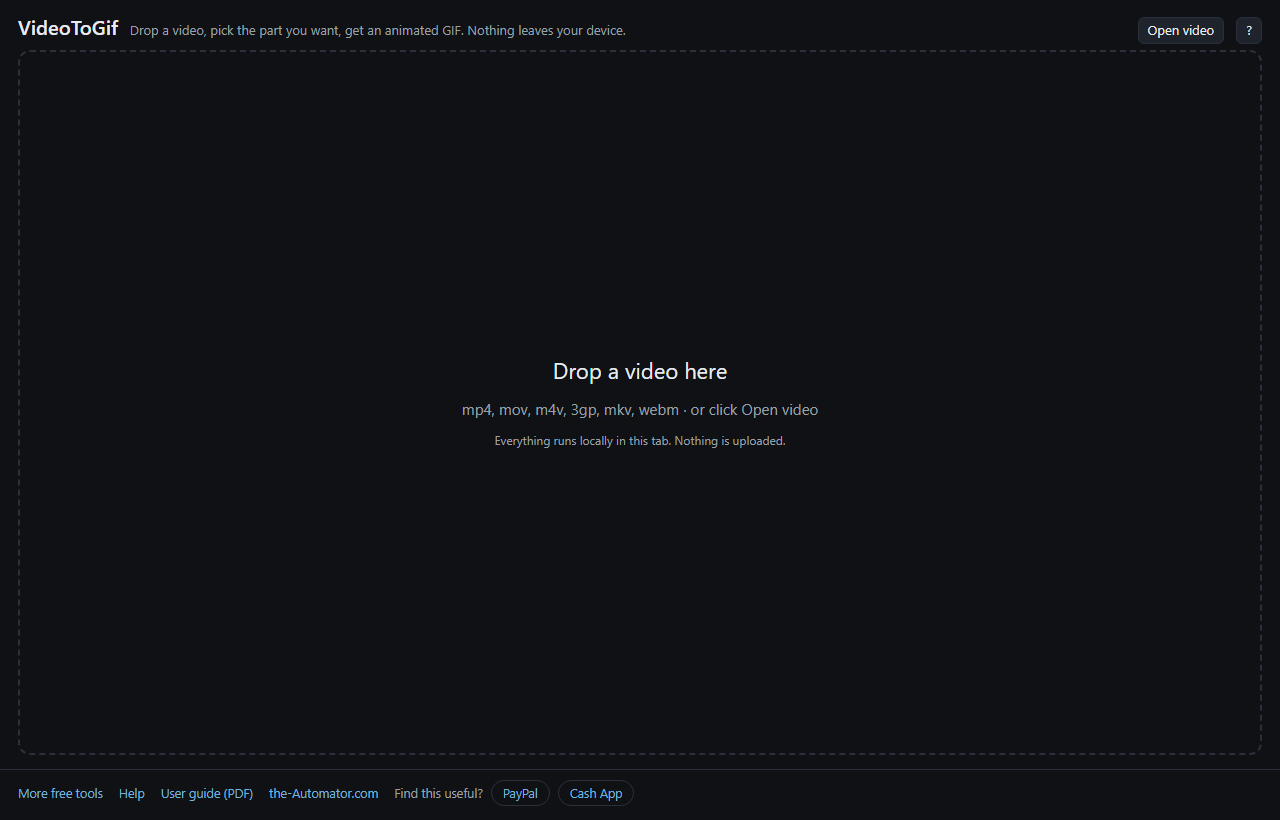
- Open a video. Drop it on the page or click Open video. MP4, MOV, M4V, WebM and usually MKV all work: anything your browser can play.
- Pick the part you want. Drag the IN and OUT handles on the filmstrip. Keep it short. A few seconds makes a good GIF.
- Choose a quality, or tell it where the GIF is going. Pick a preset like Balanced (480px, 12 fps), or use Fit in and choose Discord, Slack, email or a GitHub README. It adjusts the settings to fit that size limit.
- Press Make GIF. Look at the result, then press Save GIF.
Why GIFs get so big (and how this helps)
A GIF stores whole frames, not just what changed. So the file grows with the number of frames and the size of the picture. Ten seconds at full size can easily be 50 MB, which most places will refuse.
Three things bring it down, in the order worth trying: shorten the clip, lower the frame rate, then reduce the width. Ten frames a second still reads as smooth motion for most clips.
Before you encode, the page shows the exact output size in pixels and an estimate of the file size. The estimate gets more accurate after your first GIF from the same video.
If your GIF looks blurry
It's almost always the width. A 480-pixel GIF made from a 1080p video throws away most of the picture, and fine detail like text goes soft.
Set Quality to Best (full size) and the GIF keeps the original size. The trade is file size. If it has to be small and sharp, shorten the clip rather than shrinking the picture.
There are extra options for the curious: number of colours, how the palette is chosen, and the dither style. Most people never touch them.
Why I ask for your email
The sign-up unlocks the tool in this browser. You only do it once per browser.
It has nothing to do with your videos. Everything happens inside this tab on your own device. Your video is never uploaded, and nothing is stored anywhere.
I might send you a note now and then about other free tools I build. I will never sell or give your email to anyone else.
Questions people ask
Is it really free?
Yes. Nothing to install and no watermark on your GIF.
Is my video uploaded?
No. Everything happens inside the browser tab on your own device. Nothing is sent anywhere and nothing is stored.
Why does the first GIF take longer?
The first time, the page downloads the video engine, about 31 MB. It's kept on your device after that, so every GIF after the first starts right away.
Why is there no sound?
GIFs can't carry audio. That's a limit of the format, not this tool. If you need sound, keep it as a video.
How long can the clip be?
There's no hard limit, but GIFs are meant to be short. Past about thirty seconds the file gets unwieldy and making it gets slow. The page warns you when a clip is long.
Can I copy the GIF and paste it?
Browsers won't put an animated GIF on the clipboard, so Copy image copies a single frame. Use Save GIF to get the animation.